Every Call That Starts from Zero Is a Call You Might Lose
A customer calls your business. They spoke with someone on your team last week about a quote. They emailed a document two days ago. They have been doing business with you for three years. And the first thing your employee says is “Can I get your name?” followed by “And what was this regarding?”
The customer has to re-explain everything. They wait while your employee digs through emails, searches a spreadsheet, or asks a coworker if they remember the conversation. The customer is patient the first time. Maybe the second time. By the third time, they stop calling you and start calling the business that remembers who they are.
This is what happens when your phone system and your CRM do not talk to each other. Every call starts from scratch. Every interaction is disconnected from the last one. Your team is working harder than they need to, your customers feel forgotten, and the information that should be making your business smarter is trapped in two systems that have never been introduced.
The fix is not complicated. It is not expensive. And the businesses you are competing against have already done it. Here is how VoIP-CRM integration works, what it gives you, and how to set it up so your team never starts a call blind again.
What VoIP-CRM Integration Actually Does
At its core, VoIP-CRM integration connects your business phone system to your customer database so that information flows automatically between them. When a call comes in, the CRM recognizes the phone number and instantly pulls up the caller's record — their name, company, past purchases, open support tickets, recent emails, and notes from previous conversations. All of this appears on your employee's screen before they even pick up the phone.
When the call ends, the system automatically logs the call in the customer's CRM record — including the date, time, duration, who answered, and any notes the employee added during the conversation. No manual entry. No sticky notes. No forgetting to update the file after a busy day.
This is not futuristic technology. This is standard functionality on modern VoIP platforms. If your phone system does not offer it, your phone system is already behind.
The Two-Way Street
Integration works in both directions. Your CRM sends information to the phone system (so your team sees who is calling), and your phone system sends information back to the CRM (so every call is documented). This creates a complete, searchable record of every customer interaction — calls, emails, meetings, support tickets — in one place. Any employee on your team can open a customer record and see the full history without asking anyone else what happened.
What You Get When Your Phone and CRM Are Connected
The moment an inbound call arrives, the CRM recognizes the phone number and displays a pop-up on your employee's screen with the caller's complete record. Name, company, account status, last interaction, open invoices, pending support tickets — everything your team needs to have an informed conversation from the first second.
This is the single biggest upgrade for customer experience. Instead of “Can I get your name and account number?” your team answers with “Hi Sarah, good to hear from you again. Are you calling about the proposal we sent Tuesday?” The difference in how that makes a customer feel is enormous — and it costs you nothing extra once the integration is in place.
Your team should never have to copy a phone number from a screen, switch to a phone app, and manually dial. With click-to-call, any phone number in your CRM is a clickable link. One click initiates the call through your VoIP system using your business number. The call is automatically logged in the CRM record before the customer even picks up.
This eliminates misdialed numbers, saves time on every outbound call, and ensures that every call your team makes is tracked and documented. For sales teams making dozens of calls a day, click-to-call can save 30 to 45 minutes of manual dialing per person per day. That is real time back in your pipeline.
Manual call logging is the first thing that gets skipped when your team gets busy. And when calls are not logged, the information disappears. The next person who talks to that customer has no idea what was discussed, what was promised, or what the follow-up should be.
With VoIP-CRM integration, every call is automatically recorded in the customer's file — inbound and outbound. The system captures the date, time, duration, which employee handled the call, and whether it was answered or went to voicemail. Your team can add notes during or after the call, and those notes live in the same record alongside emails, meetings, and support tickets. Nothing falls through the cracks because nothing depends on someone remembering to write it down.
When a VIP client calls, they should not sit in a general queue. When an existing customer calls about a support issue, they should not land on the sales line. When a prospect calls back about a quote, they should go directly to the person who sent it.
CRM-integrated call routing uses customer data to direct calls intelligently. The system checks the incoming number against the CRM, identifies the caller, and routes the call based on rules you define — by account manager, by department, by priority level, or by the last person who spoke with them. Your customers get to the right person faster, and your team stops playing transfer tag.
How many calls did your business receive last week? How many were missed? What is the average call duration? Which employee handles the most calls? Which time of day has the highest volume? If you cannot answer these questions right now, you are making staffing, scheduling, and service decisions without data.
When your VoIP system feeds data into your CRM, you get dashboards and reports that show you exactly how your phone is being used. You can identify bottlenecks, spot missed opportunities, measure response times, and track follow-up rates. This is not call center technology reserved for companies with 500 employees — it is available to any small business running a modern VoIP system connected to a CRM.
Dialing into a voicemail box, entering a PIN, and listening to messages in sequence is a workflow that should have died a decade ago. Modern VoIP systems transcribe voicemails into text and deliver them to your email or directly into the CRM record attached to the caller's file.
You scan the transcription in five seconds, see who called and what they need, and respond immediately — without ever entering a voicemail system. For busy teams juggling multiple customer conversations, this alone can save 20 to 30 minutes a day and ensure that no voicemail sits unanswered because someone forgot to check the box.
How to Set It Up Without Breaking Anything
Connecting your VoIP system to your CRM is not a six-month IT project. For most modern platforms, it takes less than a day. Here is the process:
Step 1: Confirm compatibility
Most major VoIP platforms offer pre-built integrations with popular CRMs including Salesforce, HubSpot, Zoho, and many others. Check your VoIP provider's integration library or ask them directly which CRMs are supported. If you are using a VoIP provider that does not support CRM integration at all, that is a sign you have outgrown the provider.
Step 2: Install the connector
Most integrations are installed through a plugin, extension, or app marketplace within your CRM. The installation typically involves authorizing the connection between the two systems and configuring which data points sync — call logs, recordings, contact matching, and routing rules.
Step 3: Map your data
Decide how incoming calls are matched to CRM records. Most systems match by phone number automatically. For new callers who are not yet in your CRM, you can set rules to auto-create a new contact record so the information is captured from the first interaction.
Step 4: Configure routing rules
Set up how calls are routed based on CRM data. This might include sending calls from high-value accounts to a dedicated account manager, routing support calls to the service team, or sending calls from unknown numbers to a general queue with an auto-attendant.
Step 5: Train your team
The technology is only useful if your team knows how to use it. Walk them through the screen pop, show them how click-to-call works, and make sure they understand that call notes entered during a conversation are automatically saved to the CRM. Most teams are fully comfortable within a day or two.
The Businesses That Win Are the Ones That Remember
Every interaction your business has with a customer is either building the relationship or eroding it. When your team answers the phone already knowing who is calling, what they need, and what happened last time, the customer feels valued. When they have to re-explain themselves every time they call, they feel like a number.
VoIP-CRM integration is not a luxury feature for enterprise companies with dedicated IT departments. It is a standard capability that any small business can set up in a day and benefit from immediately. The cost is negligible. The time savings are immediate. And the difference in how your customers experience your business is something your competitors have already figured out.
Frequently Asked Questions
Which CRM platforms work with VoIP phone systems?
Most modern VoIP platforms integrate with the major CRM tools including Salesforce, HubSpot, Zoho CRM, Pipedrive, Freshsales, and many others. Some VoIP providers also offer open APIs that allow custom integrations with industry-specific CRM platforms. Check your VoIP provider's integration directory for the full list of supported platforms.
Do I need a special VoIP plan to get CRM integration?
It depends on the provider. Some VoIP platforms include CRM integration on all plans, while others reserve it for mid-tier or premium plans. Most business-grade VoIP systems include at least basic integration (call logging and click-to-call) on standard plans. Advanced features like smart routing and custom analytics may require a higher tier. Ask your provider what is included before you sign up.
Can I use CRM integration if I only have a few employees?
Absolutely. CRM integration is arguably more valuable for small teams because there are fewer people to share information with. When a two-person team connects their phone system to a CRM, both employees instantly have access to every customer interaction regardless of who handled it. No more “I think Sarah spoke with them last week — let me check.” The record is right there.
Will this slow down my phone system or CRM?
No. Modern VoIP-CRM integrations run in the cloud and process data asynchronously. Screen pops appear in milliseconds. Call logs sync in the background. The integration adds functionality without adding latency. If anything, it speeds up your team's workflow by eliminating manual data entry and reducing the time spent searching for customer information.
What if a caller is not in my CRM yet?
Most integrations allow you to set rules for unrecognized numbers. You can auto-create a new contact record when an unknown number calls, prompt the employee to create one during the call, or route unknown callers to a specific queue. Either way, the call is still logged so you have a record of the interaction even if the contact did not exist in the CRM beforehand.
How does this connect to my business credit and verification?
Your business phone number is a verification checkpoint for lenders, vendors, and credit bureaus. When your phone system is properly configured with CNAM, 411 listing, and STIR/SHAKEN authentication, and your CRM tracks every customer interaction, you are building the kind of professional infrastructure that verification systems look for. Read our articles on how the fraud graph evaluates your phone number and how NAP mismatches trigger automatic denials to see the full picture.
Stop Starting Every Call from Zero
Your competitors are not smarter than you. They are not working harder than you. They just connected their phone system to their CRM, and now every call starts with context instead of confusion. Their team knows who is calling. They know what the customer needs. They know what happened last time. And they close more deals because of it.
You can have the same advantage by the end of this week. Connect your VoIP system to your CRM. Turn on screen pops, click-to-call, and automatic call logging. Train your team for 30 minutes. And never start another customer call from zero again.
Get a Phone System Built for Integration
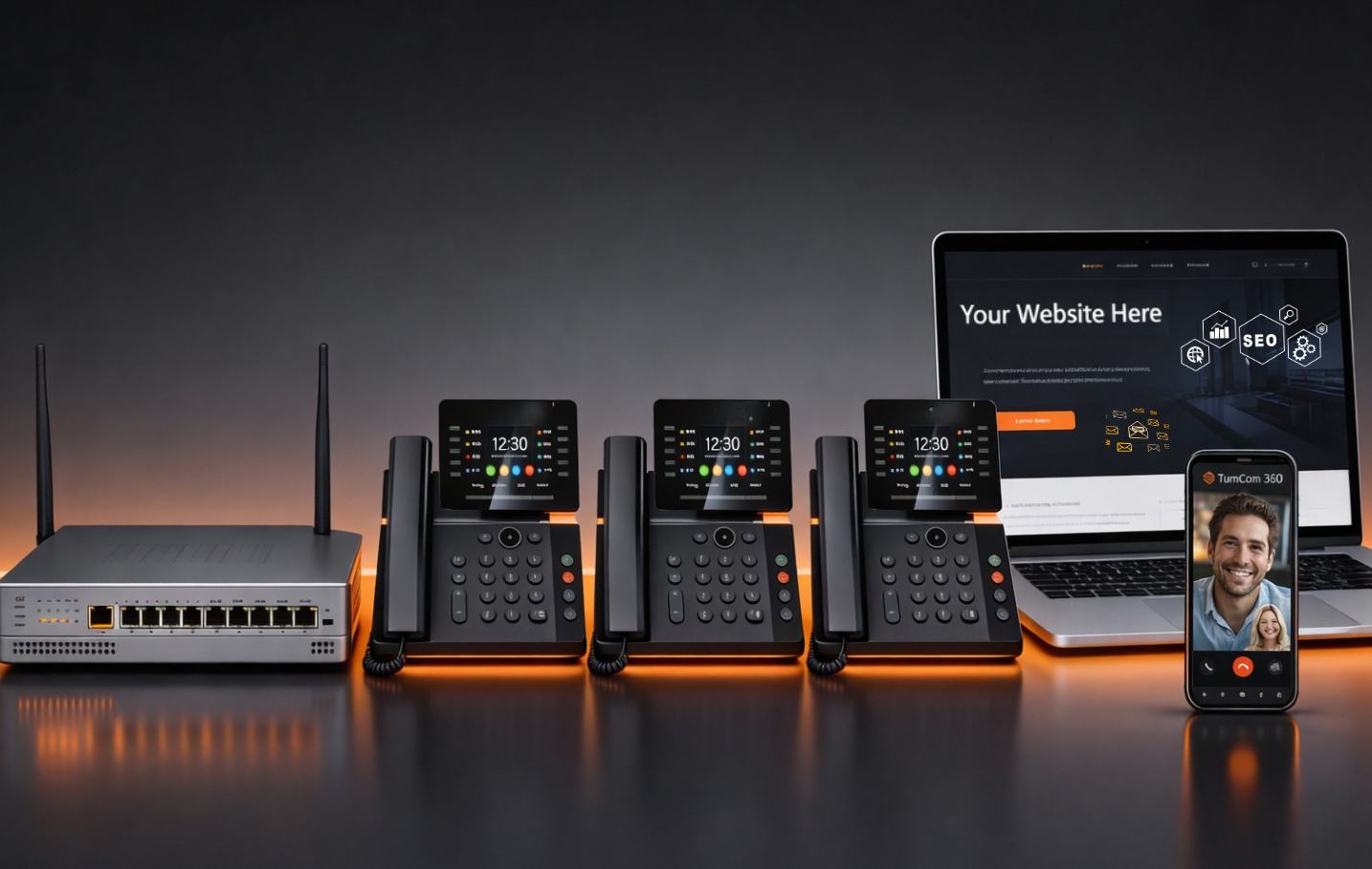
TurnCom360 provides VoIP business phone systems that connect to your CRM, include CNAM registration, 411 directory listing, and STIR/SHAKEN compliance, and come configured for your business from day one.
See Our Plug & Go Phone Systems →Or call (919) 390-2099 • Toll-free (888) 596-2060