The Phone System You Hate Is Costing You More Than You Think
You already know your phone system is a problem. You have known for months. Maybe years. The hold music sounds like it was recorded in 1997. The auto-attendant confuses callers. Transfers drop. Voicemails disappear. Your caller ID shows a random number instead of your business name. And every time you call your provider for help, you get a chatbot, a ticket number, and a response 48 hours later that does not fix anything.
You have tolerated it because switching phone systems sounds like a nightmare. You picture weeks of downtime, lost numbers, confused employees, and a pile of new equipment nobody knows how to use. So you keep paying for a system that frustrates your customers, embarrasses your business, and quietly drives revenue to your competitors.
Here is what you are actually losing — and what replacing it looks like when someone builds the new system for you.
5 Signs Your Phone System Is Driving Customers Away
You call a customer and they do not answer. You call a prospect and they do not pick up. You assume they are busy. They are not busy — their phone is showing your call as “Spam Risk” or “Scam Likely” and they are ignoring it on purpose.
This happens when your phone number is not properly registered with caller name databases, when your number lacks carrier-level authentication, or when your number inherited a bad reputation from a previous user. Your calls are being filtered before they ring — and you have no idea how many customers are never seeing your calls at all.
We covered the full mechanics in our article on why your business phone number shows up as spam.
Press 1 for sales. Press 2 for support. Press 3 for billing. Press 4 for the office directory. Press 5 for more options. By the time the customer figures out which button to press, they are annoyed. By the time they get transferred to the wrong department and have to start over, they are gone.
A bad auto-attendant does not make you sound professional. It makes you sound like a company that values its own convenience over the customer’s time. A good auto-attendant has 2 to 3 options maximum, routes intelligently, and gets the caller to a real person as fast as possible. If your attendant has more than 4 options or requires callers to listen to a 45-second recording before they can press anything, it is hurting you.
Your phone rings. Nobody answers. The caller leaves a voicemail — maybe. You check voicemail at the end of the day and find three messages. But how many people called, got no answer, and hung up without leaving a message? Five? Ten? Twenty?
If your phone system does not have call analytics — missed call tracking, call volume reports, peak hour data — you have no idea how many calls you are losing. You cannot fix what you cannot measure. And most older phone systems give you zero visibility into what is happening on your lines.
You need to add a new employee to the phone system. You call your provider. You get a chatbot. You submit a ticket. You wait 24 to 48 hours. You get a response asking for more information. You respond. You wait another 24 hours. Three days later, your new employee has a phone extension. By then, you have already missed a dozen calls that should have gone to them.
Or worse: something breaks. Calls stop routing correctly. Your after-hours greeting plays during business hours. An extension goes dead. You call support and get the same chatbot, the same ticket queue, the same 48-hour response time. Meanwhile, your customers are calling a broken system and forming opinions about your business based on the experience.
You are at a job site, at lunch, at a meeting, or working from home. A customer calls your office line. The phone rings on your desk. Nobody is at your desk. The customer leaves a voicemail that you will not hear for three hours. By then, they have already called someone else.
If your phone system does not have a mobile app that rings your cell phone when your business line rings — using your business number, not your personal number — you are tethered to your desk or you are unreachable. Modern businesses do not operate from a desk 8 hours a day. Your phone system should not either.
What Switching Actually Looks Like (It Is Not What You Think)
The reason most business owners do not switch phone systems is fear. Fear of downtime. Fear of losing their number. Fear of the setup process. Fear of learning a new system. Those fears made sense 10 years ago when switching meant ripping out copper lines and installing new hardware over a weekend.
Here is what switching to a modern VoIP system through TurnCom360 actually looks like:
You keep your number
Your existing business phone number ports to the new system. Your customers do not notice any change. They call the same number they have always called. The only difference is that now the system behind that number actually works.
We build the entire system before you touch anything
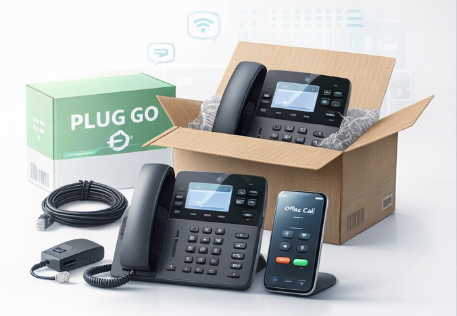
TurnCom360 configures everything in-house before your phones ship. Every extension, every greeting, every call route, every voicemail box, every ring pattern — built, tested, and verified before a single piece of hardware leaves our facility. This is our Plug & Go process.
Your phones arrive pre-programmed
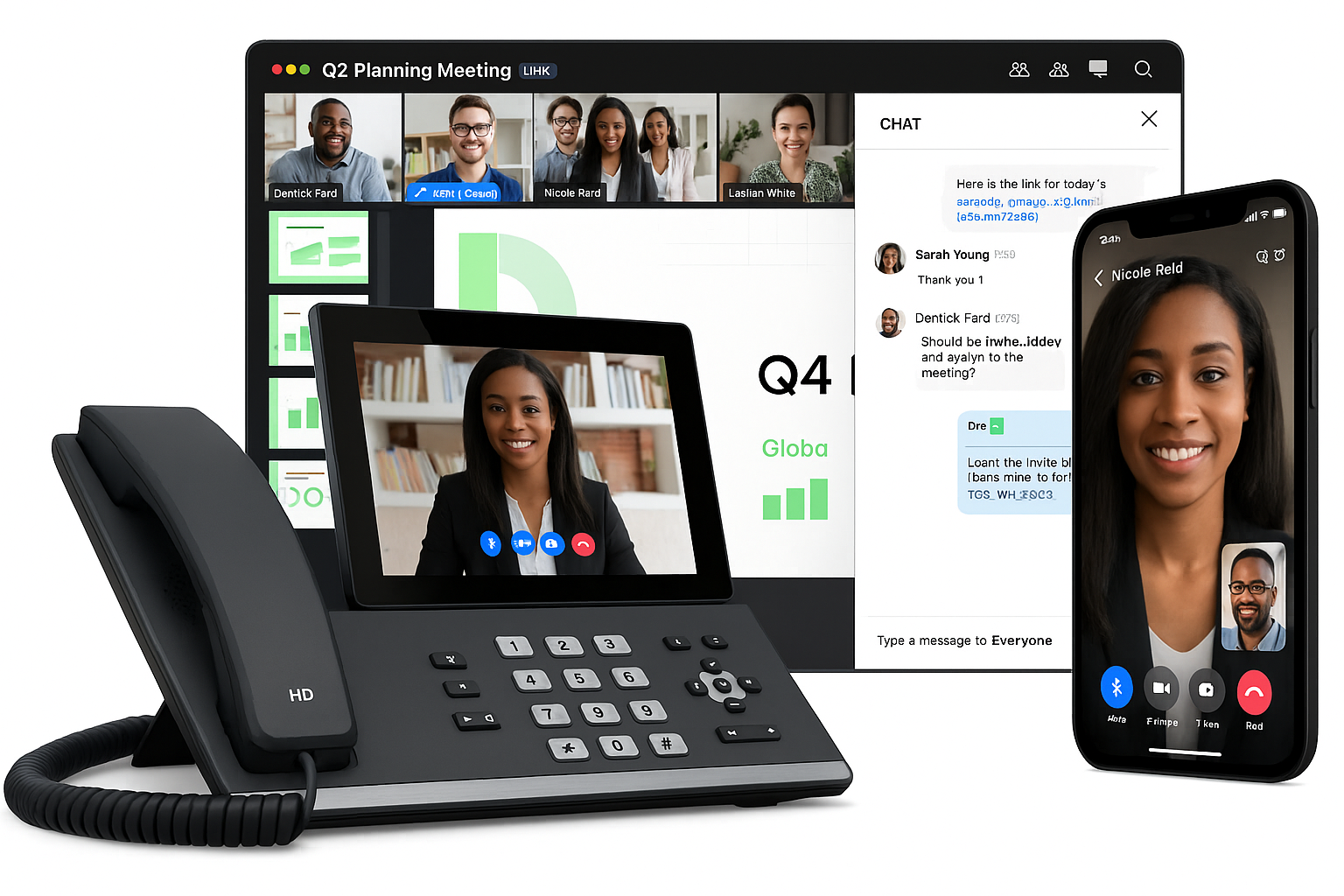
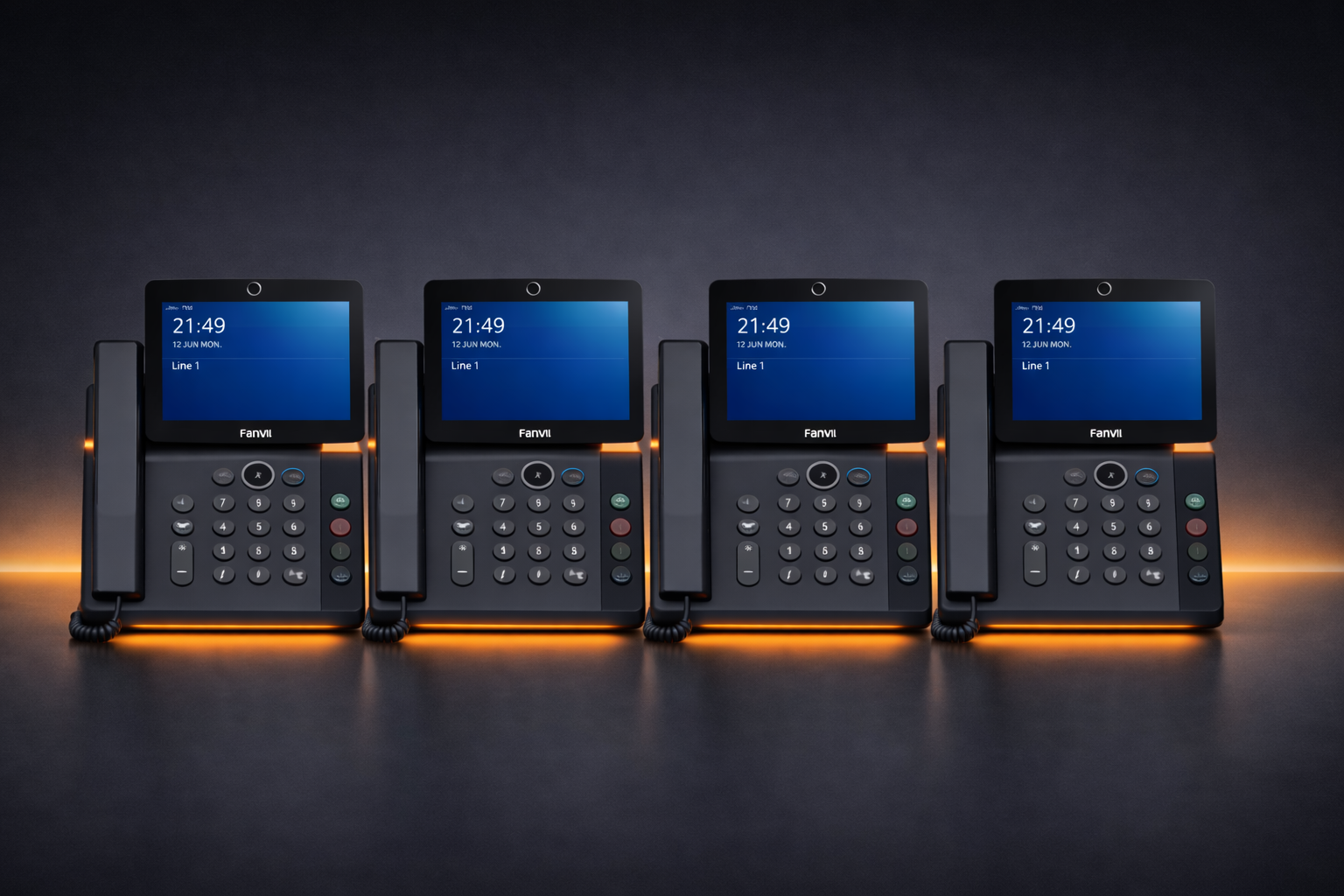
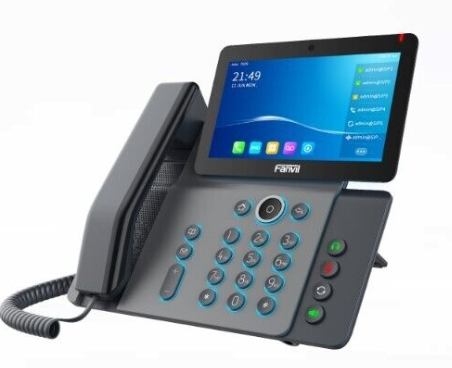
We ship executive desk phones to your door. They arrive pre-programmed with your settings already loaded. You plug them into your network. They power on, pull their configuration from the cloud, and your system is live. No setup wizard. No configuration portal. No weekend of troubleshooting.
Your mobile app works immediately
Download the app. Log in. Your business line now rings on your cell phone. Make and receive calls using your business number from anywhere. Your personal number stays private. You are no longer tethered to your desk.
Support means a real person who knows your system
When you need help, you call TurnCom360 and talk to someone who knows your business, your configuration, and your setup. Not a chatbot. Not a ticket queue. Not a 48-hour wait. Most issues resolved same day.
What You Get When You Upgrade
A TurnCom360 Plug & Go Phone System starting at $299/month replaces your current system with:
- Executive desk phones(2 included) — pre-programmed, shipped to your door
- Local and toll-free numbers — or port your existing number
- Unlimited calling US and Canada
- Auto-attendant — professional greeting with business hours, after-hours, and holiday routing
- Mobile app — make and receive business calls from your cell phone using your business number
- Voicemail-to-email with transcription — every voicemail delivered as audio and text to your inbox
- Call recording for training, quality, and documentation
- Conference calling for team and client meetings
- eFax — send and receive faxes digitally
- Spam prevention tools — caller name registration, carrier-level authentication, verified attestation
- Business verification registration — your number registered on national directory databases
- Cloud hosting — updates, maintenance, and backups handled for you
$299/month. $499 one-time setup. 2 employees included. Additional users $39/month each. No long-term contracts.
What If You Need More Than Just Phones?
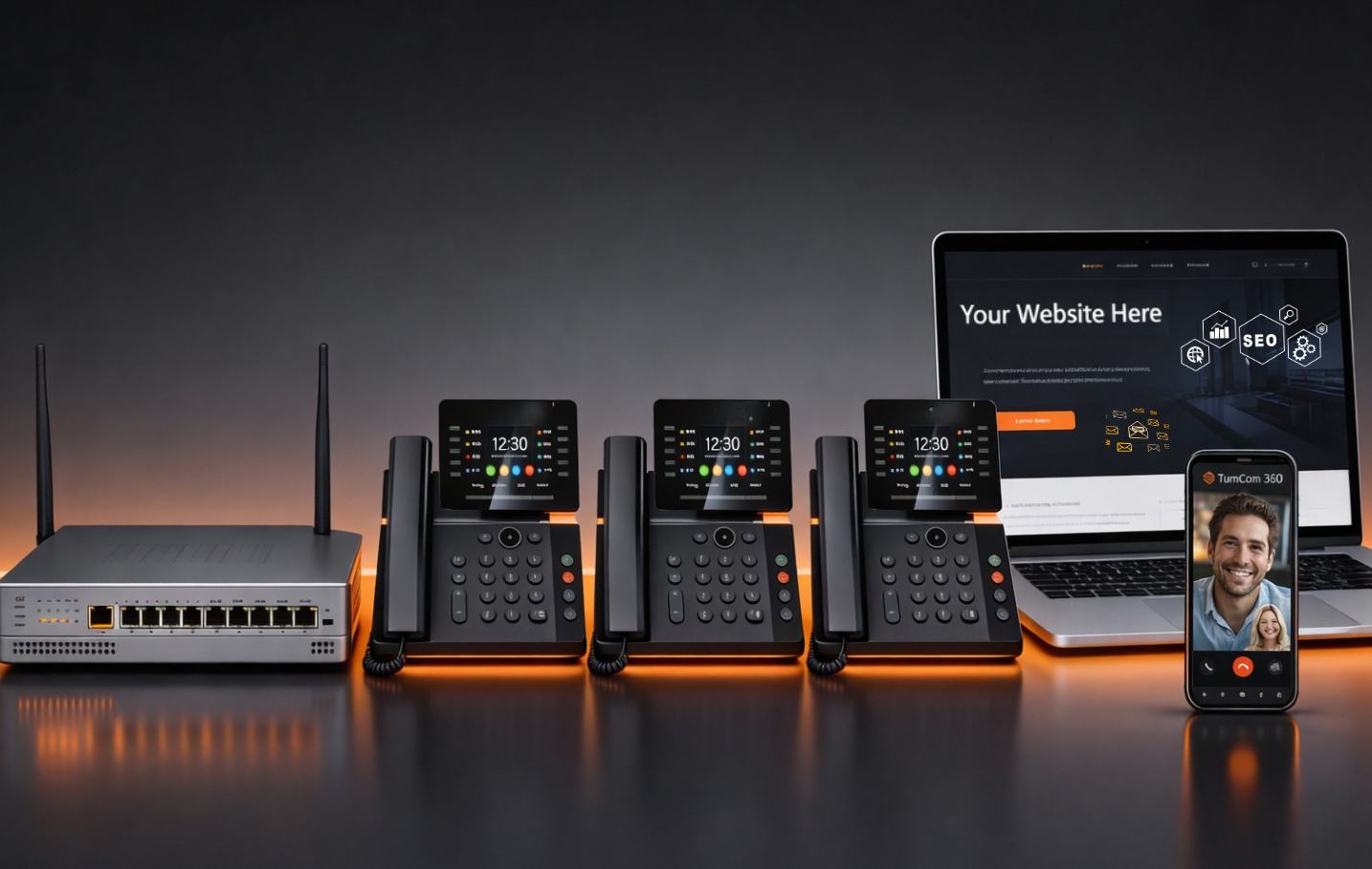
If your phone system is broken, there is a good chance your website, email, and directory listings need work too. TurnCom360 offers packages that handle the whole stack:
- Business Line — $39/month. Single dedicated business line with mobile app and auto-attendant. Perfect for solo operators.
- Lender-Ready Package — starting at $265/month. Phone system + website + email + directory optimization. Everything lenders and verification systems check.
- Plug & Go — $299/month. Full phone system with desk phones shipped pre-programmed.
- T360 Office Pro — $695/month. Phone + website + email + network security + directories. One system replaces five vendors.
Frequently Asked Questions
Will I lose my phone number if I switch?
No. TurnCom360 ports your existing business number to the new system. Your customers call the same number they always have. The transition is seamless from their perspective.
How long does the switch take?
Your new system is typically ready within 5 to 7 business days. Number porting can take 7 to 14 business days depending on your current provider. During the porting process, your old system continues to work — there is no gap in service.
Do I need to buy new phones?
The Plug & Go package includes 2 executive desk phones pre-programmed and shipped to your door. Additional phones are available if you need more. You can also use the mobile app and desktop softphone on devices you already own.
What if I am locked into a contract with my current provider?
Check your current contract terms. Many providers have month-to-month options or early termination fees that are less than you expect. In some cases, the money you save by switching covers the termination fee within the first few months. TurnCom360 can help you evaluate whether switching now makes financial sense.
What happens to my old phone system hardware?
Your old desk phones, PBX equipment, and cabling are no longer needed once you are on the cloud-based system. You can repurpose, sell, or recycle the hardware. TurnCom360 ships new pre-programmed phones as part of the Plug & Go package.
Stop Tolerating a System That Works Against You
Every day your current phone system stays in place is another day of missed calls, spam-labeled outbound calls, confused customers, and invisible revenue loss. You already know it is a problem. The only question is how long you keep paying for one.
The switch takes 20 minutes of your time. TurnCom360 handles everything else. Your number stays the same. Your phones arrive ready. And the first time a customer calls and hears a clean, professional greeting instead of a broken menu tree, you will wonder why you waited so long.
Replace Your Phone System Without the Headache
TurnCom360 builds your entire phone system in-house, ships it pre-programmed, and you plug it in. Phones, auto-attendant, mobile app, spam prevention, and real support. Starting at $299/month.
See Plug & Go Plans →Or call (919) 390-2099 • Toll-free (888) 596-2060