The Setup Experience Nobody Talks About
You made the decision to upgrade your business phone system. You did the research, compared providers, and signed up with a VoIP company. You were excited. Finally, a modern phone system with all the features your business needs — auto-attendant, voicemail-to-email, mobile app, call routing, the whole list.
Then the reality hit.
You got a confirmation email with a link to a self-service portal. You logged in and saw a dashboard with dozens of settings, none of which were configured. You needed to record a greeting for the auto-attendant, but first you had to figure out how to navigate the menu system. You needed to set up call routing, but you were not sure what the options meant or which one applied to your business. You needed to create voicemail boxes for your team, but the interface had more fields than a tax form. You needed to assign extensions, configure hold music, set after-hours rules, and connect your mobile app — and every step required a different tutorial.
Three hours later, your auto-attendant was half-finished, your routing was wrong, your voicemail greeting was the default robot voice, and you had given up on connecting the mobile app because the instructions did not match what you saw on your screen. You closed the laptop, went to bed frustrated, and told yourself you would finish it on the weekend. That was six weeks ago. The system is still half-configured. Your customers are still hearing a generic greeting. And you are still using your cell phone for half your business calls because the desk phone never quite worked the way it was supposed to.
This is not an exaggeration. This is the normal experience for small business owners who sign up with a mainstream VoIP provider. The features are real. The technology works. But the setup is entirely on you — and most business owners are not phone system engineers.
Why DIY Phone Setup Fails for Small Businesses
You are already running a business. You are managing employees, serving customers, handling finances, and making decisions that affect your revenue every day. Learning how to program a phone system is not on your priority list — and it should not have to be. But when your provider hands you a self-service portal and a knowledge base, they have effectively added “phone system administrator” to your job description without asking.
The result is a phone system that sits at 60 percent configured for months. The features you were excited about never get activated. The auto-attendant stays generic. The routing stays wrong. The mobile app stays disconnected. And the professional phone experience you signed up for never actually materializes — because nobody has the time to finish building it.
Phone system configuration is not just about convenience. Mistakes create real problems that cost you money and credibility.
If your call routing is wrong, customers end up at the wrong person or in an endless transfer loop. If your after-hours greeting is not set, callers hear nothing after 5 PM and assume you are closed permanently. If your voicemail is still the default, customers hear a robot reading your phone number and hang up without leaving a message. If your caller ID is not configured, your calls show up as an unknown number — or worse, as spam.
And then there are the invisible problems. If your phone number was not vetted before assignment, it might carry spam history from a previous user. If your number is not registered for business verification, lenders and credit bureaus cannot verify your business when you apply for credit. If your spam prevention tools are not configured, your outbound calls are being filtered and blocked by carrier networks without your knowledge.
None of these problems show up in the setup wizard. They show up months later — when your calls are not getting answered, when your applications are getting denied, and when your customers are quietly going to competitors who sound more professional on the phone.
When you get stuck during setup — and you will get stuck — most providers route you to a chatbot. The chatbot asks you to describe your issue. You type a paragraph explaining what is wrong. The chatbot sends you a link to a help article you already read. You click “Talk to an agent” and get placed in a ticket queue. Someone responds 24 to 48 hours later with a templated answer that does not address your specific situation.
You are not a ticket number. You are a business owner trying to get your phones working so you can serve your customers. You need someone who can look at your system, understand your setup, and fix the problem in a conversation — not a chatbot that sends you back to the same knowledge base you already tried.
What Plug & Go Actually Means
Plug & Go is not a marketing slogan. It is a process that TurnCom360 developed to eliminate every frustration that small business owners experience when setting up a phone system. Here is exactly how it works:
Tell Us About Your Business
A quick phone consultation — 15 to 30 minutes. We learn how your business operates, how many people need phones, how you want calls handled during business hours and after hours, and what your customers should experience when they call. No questionnaires. No forms. Just a conversation.
We Build and Program Your Entire System In-House
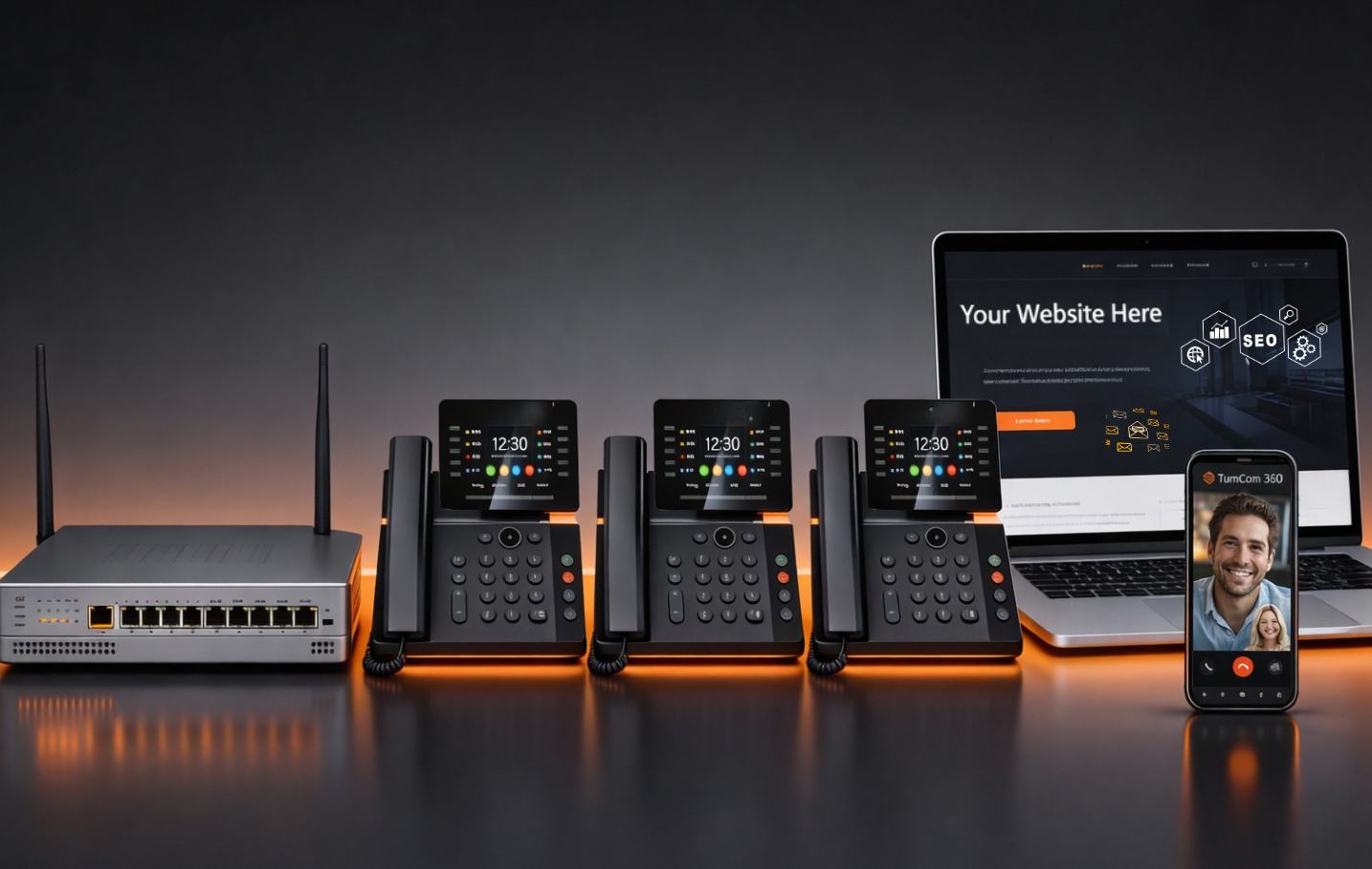
This is the step that no other provider does. Our team programs every piece of your phone system at our facility before it ever touches your hands. Every extension. Every auto-attendant greeting — business hours, after hours, holidays. Every call routing rule. Every voicemail box. Hold music. Mobile app configuration. Spam prevention tools. Business verification registration. Clean number assignment. Everything is built, tested, and verified before your phones ship.
We Ship It to Your Door
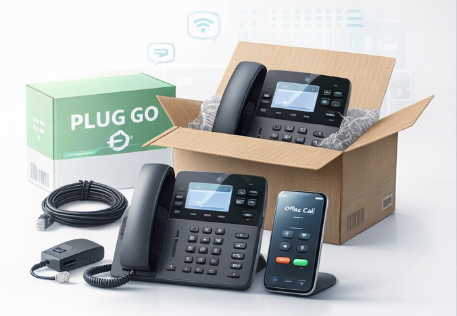
Your phones arrive in a box with everything you need — pre-programmed desk phones, cables, and clear instructions. Most systems ship within 5 to 7 business days after your consultation. The phones are ready to work the moment they come out of the box.
You Plug It In and Go
Connect the phones to your internet router or Wi-Fi. The phones power on, pull their configuration from the cloud, and your system is live. Auto-attendant working. Routing active. Voicemail configured. Mobile app ready. Caller ID displaying your business name. The entire process from unboxing to live calls takes minutes — not hours, not days, not weekends.
Ongoing Support from Real People
After your system is live, TurnCom360 does not disappear. When you need help, you call and talk to a real person who knows your system and your business. No chatbots. No ticket queues. Most issues are resolved remotely the same day. Need to add a user, change a routing rule, or update a greeting? Call us and it gets done.
What DIY Setup Looks Like vs. What Plug & Go Looks Like
What Is Included in Plug & Go
Every Plug & Go phone system ships with everything a small business needs to operate professionally from day one:
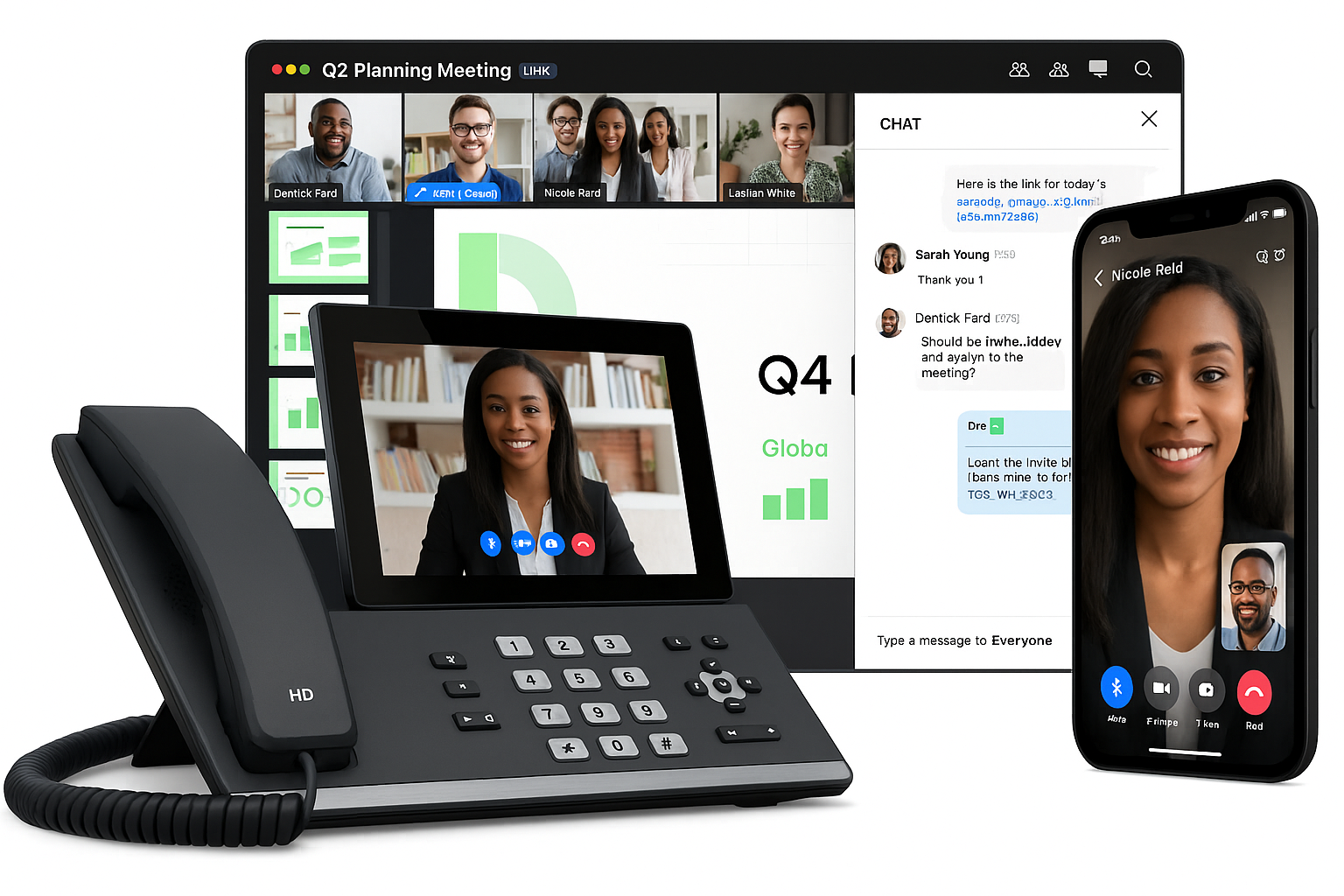
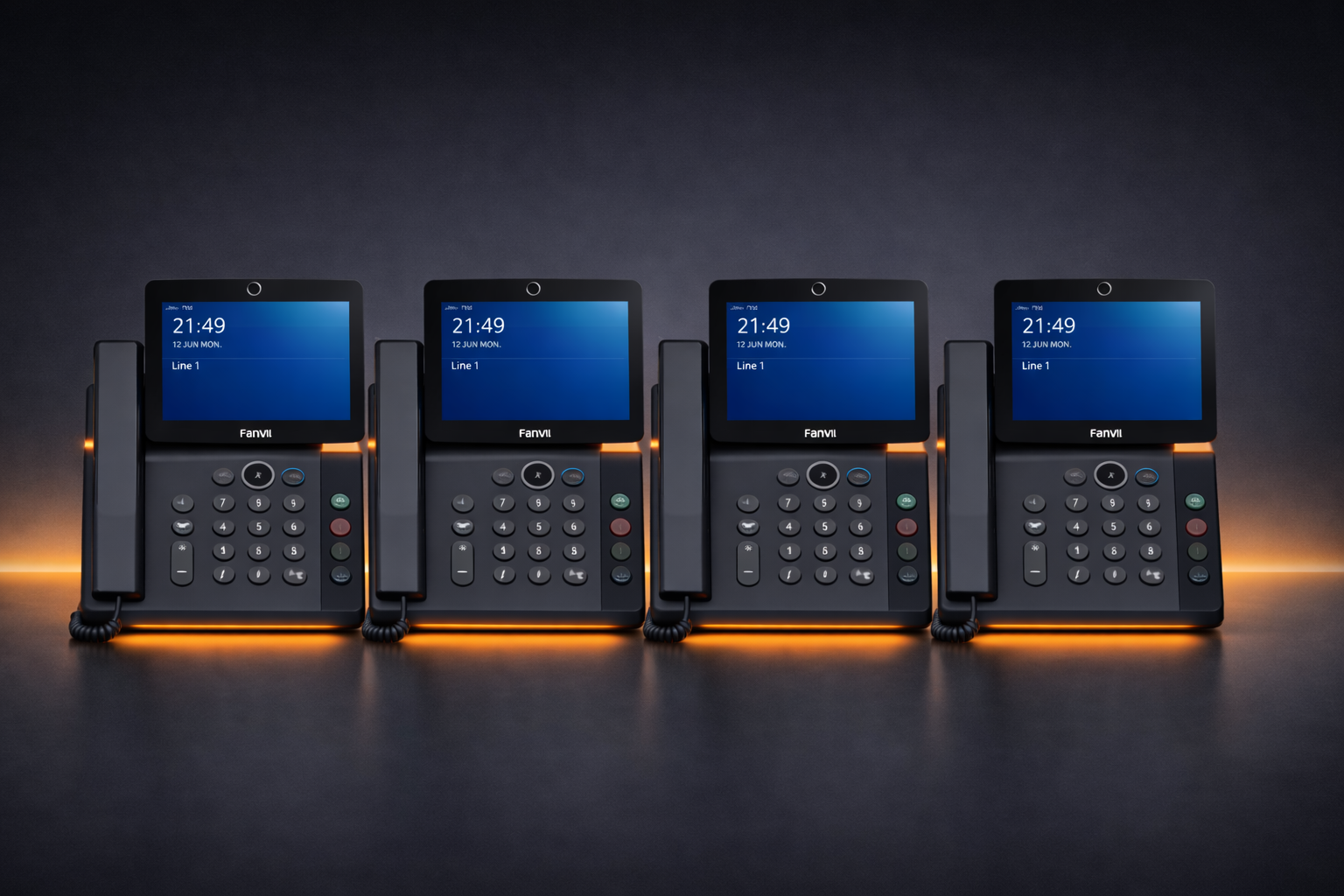
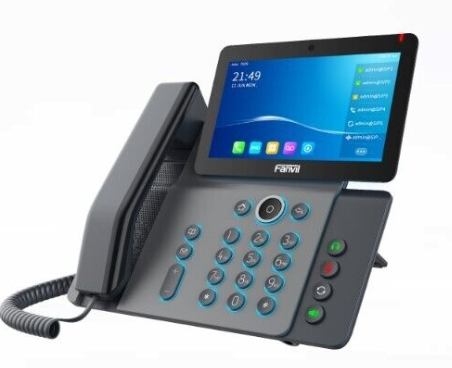
- Executive desk phones — 2 video-capable desk phones included in the base package, pre-programmed and ready to use.
- Local phone number + toll-free 800 number — Both included. Clean, vetted numbers with no spam history.
- Direct dial numbers (DIDs) — 2 included so individual team members have their own direct lines.
- Unlimited calling — Local and long distance, United States and Canada.
- Auto-attendant — Professional greetings for business hours, after hours, and holidays. Call routing to the right person or department. Configured and tested before it ships.
- Mobile app — Take and make business calls from your cell phone using your business number. Customers see your business name, not your personal number.
- Voicemail-to-email with transcription — Every voicemail delivered as an audio file and text transcription directly to your inbox.
- eFax — Send and receive faxes electronically without a fax machine.
- Call recording — Record calls for training, quality assurance, and dispute resolution.
- Conference calling — Multi-party calling without third-party software.
- Spam prevention tools — Caller name registration, carrier-level authentication, and verified caller attestation configured on every line. Your calls display your business name and are protected from being labeled as spam.
- Business verification registration — Your number registered on national directory databases so lenders, credit bureaus, and carriers can verify your business.
- Cloud hosting, monthly updates, and ongoing support — Your system is hosted in the cloud, updated automatically, and supported by real people who know your setup.
The Pricing Is Straightforward
Plug & Go is $299 per month with a one-time setup fee of $499. That includes 2 employees with executive desk phones, both a local and toll-free number, and every feature listed above. Need more team members? Add users anytime for $39 per month each — TurnCom360 programs and ships the phone ready to plug in.
There are no long-term contracts. No hidden fees. No feature tiers where you have to upgrade to get basic functionality. The price includes the system, the setup, the hosting, the updates, and the support. What you see is what you pay.
Your Phone System Is Part of Your Business Identity
A phone system is not just a communication tool. It is one of the first things customers interact with, and it is one of the first things verification systems check when evaluating your business.
When your calls display your business name instead of an unknown number, customers pick up. When your auto-attendant answers professionally with routing options, callers trust that they have reached a real business. When your phone number is registered on national directory databases, lenders and credit bureaus can verify you. When your calls carry verified authentication, carriers deliver them instead of filtering them as spam.
Every one of these elements is configured on every Plug & Go system before it ships. You do not have to know what these elements are, how they work, or how to configure them. That is our job. Your job is to answer the phone and run your business.
If you want to understand the full verification system that evaluates your business behind the scenes, pick up a copy of The Hidden Gatekeepers of Business Approval — a deep dive into the algorithms, scoring systems, and invisible checkpoints that determine whether your business gets approved or denied. Available now on Amazon.
Frequently Asked Questions
How long does it take to get my phone system?
Most systems ship within 5 to 7 business days after your consultation. We program everything before shipping, so once your phones arrive, you can be up and running the same day. Plug in and go.
Do I need a technician to install it?
No. We pre-program everything. Plug the phones into your internet router and you are done. We handle the rest remotely. No wiring changes. No on-site visits. No IT person required.
Do I need special internet?
Any standard broadband connection works. Each VoIP call uses approximately 100 Kbps — a fraction of what basic broadband provides. We assess your connection during the consultation and only recommend changes if truly needed.
Can I keep my current phone number?
Yes. We can port your existing number to the Plug & Go system. The port takes 7 to 14 business days, and your current phone keeps working during the transition. If your current number has spam or reputation problems, we will help you decide whether to port it or start fresh with a clean number.
What if I need to add employees later?
Call us. We add the user to your system, program the phone, and ship it ready to plug in. Additional users are $39 per month each. Your system is built to grow with your business — no migration, no reconfiguration, no hassle.
What happens if something goes wrong?
Call TurnCom360. You talk to a real person who knows your system. Most issues are resolved remotely the same day. We provide ongoing technical support as part of your monthly service — no extra fees, no ticket queues, no chatbots.
Do you only serve local businesses?
No. TurnCom360 ships pre-configured phone systems nationwide. Cloud-based VoIP works anywhere you have internet. It does not matter where your business is located — the system arrives at your door ready to work.
Is there a contract?
No long-term contracts. The service is month-to-month. Cancel anytime. We earn your business every month by keeping your system running and your team supported.
Your Phone Should Work the Day It Arrives
You should not have to spend your evenings watching tutorial videos about call routing. You should not have to record voicemail greetings on your cell phone and upload them through a web portal. You should not have to open a support ticket and wait two days for someone to tell you how to connect your mobile app. And you should not have to wonder why your calls are showing up as spam six months after you signed up for a service that was supposed to be “easy.”
Plug & Go exists because business owners deserve a phone system that works the moment it comes out of the box. Not next week. Not after a weekend of configuration. Not after three calls to support. The day it arrives.
That is what TurnCom360 builds. That is what Plug & Go delivers.
Get a Phone System That Works the Day It Arrives
TurnCom360 programs your entire phone system in-house and ships it to your door. Plug it in and go live in minutes. $299/month with 2 employees included. No contracts.
See Plug & Go Plans →Or call (919) 390-2099 • Toll-free (888) 596-2060