Your Loan Was Dead Before a Human Ever Touched It
You filled out every field. Your business credit was strong. Your revenue was solid. You had your EIN, your D-U-N-S number, your bank statements — everything the application asked for. You hit submit, waited a few days, and got a denial letter that said almost nothing. “We are unable to approve your application at this time.” No explanation. No second chance.
Here is what actually happened: you never made it to a human. An AI system was watching you the entire time you filled out that form. It tracked how fast you typed. It recorded your mouse movements. It fingerprinted your device, checked your IP address, and analyzed your browser configuration. By the time you clicked submit, the algorithm had already assigned you a behavioral risk score — and that score killed your application before an underwriter ever opened your file.
This is the secret score that nobody tells you about. It is not your credit score. It is not your PAYDEX. It is not your revenue or your time in business. It is a real-time behavioral profile built from how you interact with the application itself. And it can override everything else on your application if the algorithm decides your behavior looks suspicious.
The worst part? Most business owners have no idea this system exists. They blame their credit. They blame their financials. They reapply with the same behavior and get denied again. In this article, we are going to expose exactly what these systems measure, why they flag legitimate business owners, and how to make sure your behavior never costs you another approval.
What the Algorithm Is Watching While You Type
The behavioral scoring system is not looking at your credit report. It is looking at you — how you move, how you type, where you are, and what device you are using. Here is exactly what these systems are measuring in real time while you fill out that application:
Typing Cadence and Rhythm
Every person has a unique typing rhythm — how fast they type, how long they pause between keystrokes, how they handle corrections and backspaces. Verification systems record this cadence and compare it to expected patterns. A human filling out their own information types differently than a bot auto-filling fields or a fraudster copying and pasting stolen data. If you type your own name and address at a natural pace, the system sees that as consistent with a real person entering their own information. If the fields are filled instantaneously or with machine-like precision, it raises a flag.
Mouse Movement and Navigation Patterns
Humans do not move a mouse in straight lines. We hover, we hesitate, we scroll back to double-check a field. Behavioral analytics tracks these micro-movements. Natural navigation through a form — tabbing between fields, scrolling to read terms, pausing to think — signals a legitimate applicant. Robotic movement patterns, instant jumps between fields, or no mouse movement at all (which happens with automated scripts) signals a potential bot or fraud attempt.
Device Fingerprinting
Your device has a unique fingerprint made up of your operating system, browser version, screen resolution, installed fonts, time zone, language settings, and hardware configuration. Verification systems capture this fingerprint and compare it against several data points. Is this the same device that has been used to access the applicant’s email or banking? Is this a known device in the applicant’s history, or is it completely new? Suddenly switching to an unfamiliar device during a sensitive application process can lower your trust score.
IP Address and Network History
The IP address you are applying from tells the system your approximate location, your internet service provider, and whether you are using a residential connection, a commercial network, a VPN, or a proxy server. If your business address is in Henderson, North Carolina, but your application is being submitted from an IP address in Eastern Europe or through a known VPN exit node, the system will flag it immediately. Even domestic VPNs can trigger additional scrutiny because they mask your true location, which is a behavior commonly associated with fraud.
Session Behavior
How long you spend on each section, whether you read the terms and conditions, how many times you go back to edit a field, whether you abandon the form and return later — all of this is tracked. Applications that are completed too quickly may look automated. Applications that are started and abandoned multiple times from different devices may look like account testing. The ideal session profile is one that looks like a real person carefully filling out their own information at a natural pace.
How One Bad Score Tanks Your Entire Application
If you are a legitimate business owner, you are probably thinking this does not apply to you. But that is exactly the problem — the system does not know you are legitimate. It treats every applicant as a potential threat until your behavioral signals prove otherwise. And if you accidentally trip a wire, here is what happens:
- Extended review times — Instead of getting approved in hours or days, your application gets routed to manual review, which can take weeks.
- Additional documentation requests — You may be asked to provide extra proof of identity, business ownership, or financial history that other applicants were not asked for.
- Lower approval amounts — Even if you are approved, a flagged behavioral score can result in lower credit limits or less favorable terms.
- Outright denial — In some cases, a sufficiently suspicious behavioral profile will result in automatic denial before a human ever reviews the application.
- Account monitoring — If you are approved despite behavioral flags, your account may be placed under heightened monitoring, which can lead to holds, freezes, or additional verification requests later.
The frustrating part is that none of these outcomes have anything to do with the quality of your business, your revenue, or your creditworthiness. They are entirely about how the algorithm interpreted your behavior during the application process.
How to Beat the Algorithm and Protect Your Approval
Now that you know the system exists, here is how to make sure it never works against you. These are the exact practices that keep your behavioral score clean every time you apply for business credit, financing, or vendor accounts:
Pick one device — ideally the computer or laptop you use for your regular business operations — and complete the entire application on that device without switching. Do not start on your desktop and finish on your phone. Do not switch between a personal laptop and a work computer. The system tracks the device fingerprint, and changing devices mid-application is one of the most common triggers for fraud alerts.
Apply from a stable, consistent internet connection — preferably your business network or home office connection. Avoid applying from coffee shop Wi-Fi, airport networks, or any public hotspot. And most importantly, turn off your VPN before starting the application. VPNs mask your true IP address, which is a behavior that fraud-detection systems associate with people trying to hide their identity or location. Even if you use a VPN for perfectly legitimate privacy reasons, the verification system does not know that.
Resist the temptation to use browser autofill, password managers, or copy-paste for sensitive fields like your business name, EIN, or address. These tools fill fields instantaneously, which looks like bot behavior to typing-cadence analysis. Type your information out by hand at a natural pace. Yes, it takes a few extra seconds, but those seconds signal to the system that a real human is entering their own data.
Some browser extensions alter form behavior in ways that can confuse verification systems. Ad blockers, autofill extensions, form-filler tools, and certain privacy extensions can modify how the page loads, how fields are populated, and how data is submitted. Before starting a sensitive application, disable any extensions that are not essential. Better yet, use a clean browser profile with no extensions installed.
Try to complete the entire application in a single sitting. If you start and stop multiple times, save and return from different locations, or abandon the form and come back days later, the system may interpret this as suspicious session behavior. Gather all of your information before you start — your EIN, D-U-N-S number, business address, bank account details, and any other required documents — so you can move through the form smoothly and submit it in one clean session.
Outdated browsers can trigger security flags because they are associated with compromised devices. Verification systems check your browser version as part of the device fingerprint. Running the latest version of Chrome, Firefox, Safari, or Edge signals that your device is maintained and secure. An outdated browser version signals the opposite.
The Algorithm Checks Your Digital Footprint Too
The behavioral score is only half the equation. While the AI is watching how you fill out the form, it is also cross-referencing your application data against your entire digital footprint — your business website, online directory listings, social media presence, and NAP consistency across the internet. A strong, consistent digital presence reinforces the legitimacy signals from your behavioral data. A weak or missing digital presence amplifies every flag the algorithm found.
This is why building a complete business infrastructure matters before you start applying for credit and financing. Your business phone should be listed on the 411 directory. Your NAP data should be consistent across every platform. Your website should be professional and match your business records. Your email should be on your own domain, not a free Gmail or Yahoo address.
When the verification system checks your application data against your digital footprint and everything lines up — same business name, same address, same phone number, same domain — your trust score goes up. When there are gaps or inconsistencies, the algorithm treats them as risk factors that compound any behavioral flags from the application itself.
Frequently Asked Questions
Can I actually be denied because of how I type?
Not directly, but abnormal typing patterns can lower your behavioral trust score, which triggers additional review, documentation requests, or in some cases, automatic denial. The typing cadence is one signal among many, but it contributes to the overall risk assessment. The safest approach is to type your own information manually at a natural pace.
Does using a VPN really matter for business applications?
Yes. VPNs mask your true IP address and location, which is a behavior commonly associated with fraud. Even if you use a VPN for legitimate privacy reasons, the verification system cannot distinguish your intent. Turn off your VPN before starting any business credit application, loan form, or vendor account request.
What if I have to stop and come back to an application?
If you absolutely must pause, try to return on the same device from the same network within a reasonable time frame. Avoid switching devices or locations between sessions. Gather all your required documents before you start so you can minimize interruptions. Applications completed in a single session always score better than those started and stopped multiple times.
How does my business website affect application scoring?
Verification systems cross-reference your application data against your online presence. A professional business website with consistent NAP data, a domain-based email address, and matching business records reinforces your legitimacy. A missing or inconsistent online presence creates gaps that the algorithm treats as risk factors.
Is this the same for all lenders and vendors?
The specific systems vary, but behavioral analytics is now standard across most modern lending platforms, credit issuers, and vendor application systems. Banks, fintech lenders, net 30 vendors, and merchant services providers all use some form of behavioral scoring. The practices outlined in this guide will help you across all of them.
Stop Letting an Algorithm Decide Your Future
The secret score is real. It is running on every major lending platform, every credit application, and every vendor account form you fill out. And it is making decisions about your business before a human being ever gets involved.
Now you know how it works. Use the same device, stay on your business network, type your information manually, disable unnecessary extensions, and complete every application in one clean session. And make sure your digital footprint — your business phone, 411 listing, website, and directory data — backs up everything you put on the form. The algorithm is looking for reasons to trust you. Give it every reason to say yes.
Build a Trusted Digital Footprint
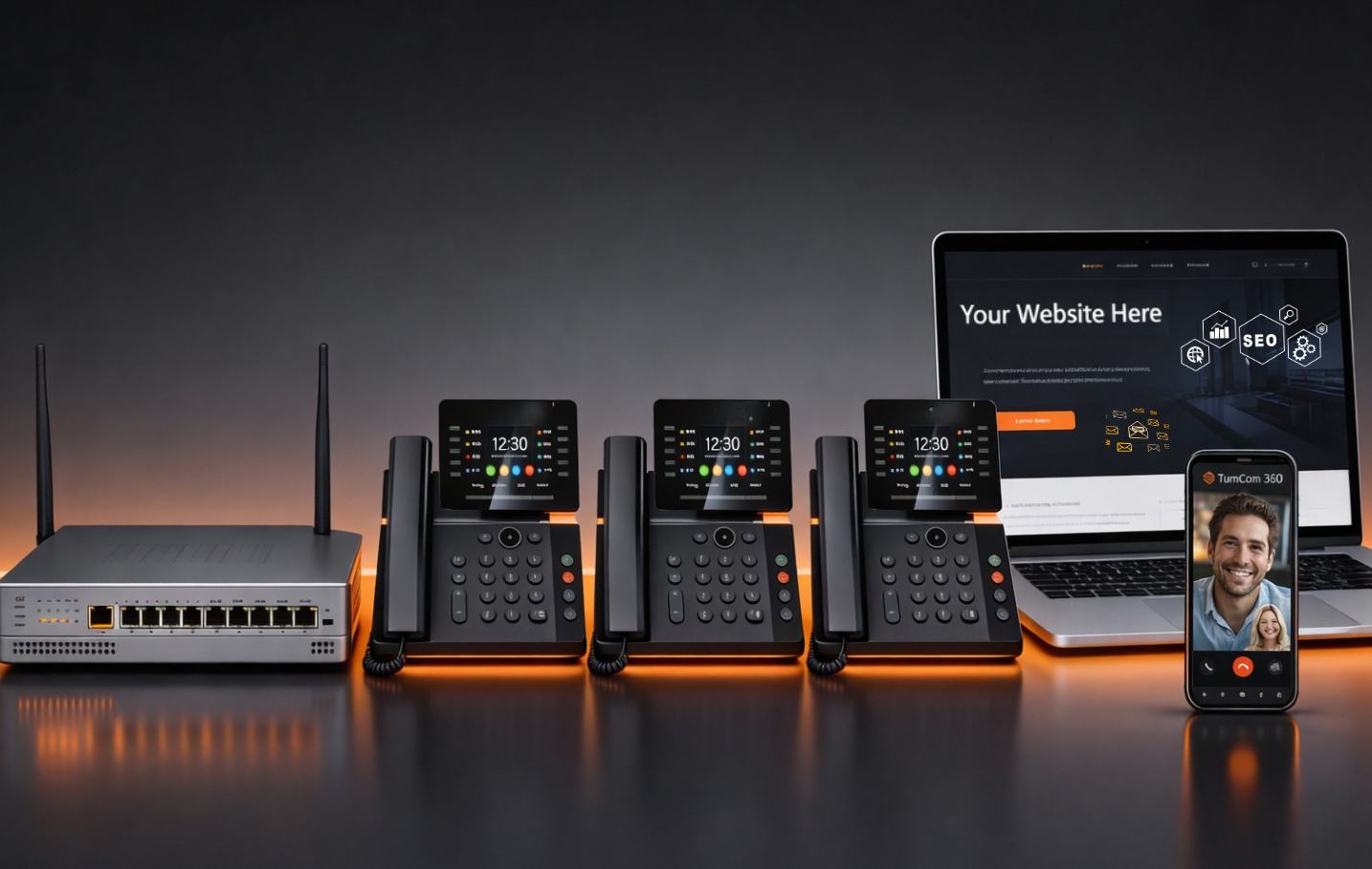
TurnCom360 helps entrepreneurs build a complete, verified business presence — dedicated phone line with CNAM and 411 listing, professional website, domain email, and consistent NAP across 30+ directories.
Get Lender-Ready →Or call (919) 390-2099 • Toll-free (888) 596-2060