
1. Agree who answers
Identify the doctor’s office or care-team destination and the provider’s process for responding.

Telehealth
A dedicated Fanvil video-phone setup connects the patient at home with a participating healthcare provider through one programmed button.
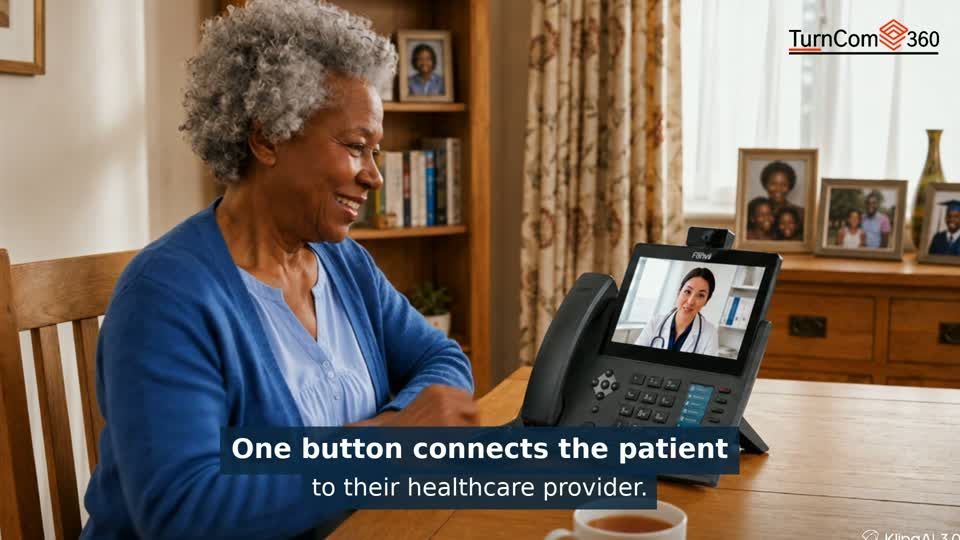
Press the configured button and speak face to face with your healthcare provider. The dedicated phone brings the conversation to the patient without opening a computer, finding a smartphone contact or navigating a complicated app. It is a practical approach for seniors, caregivers and rural homes.
We plan the destination with the provider, configure the phone and demonstrate the calling process. The receiving number, answering arrangements and connectivity are agreed before the phone is put into use.
Illustrative setup from our Telehealth demonstration. Patient and provider equipment, connectivity and answering arrangements are selected together.
Book a Telehealth ConsultationIdentify the doctor’s office or care-team destination and the provider’s process for responding.
Review the home or facility’s available connection, power and equipment needs.
Configure a labeled calling key and test the route with the participating provider.
Walk through placing a call and explain the support process to the patient or caregiver.
See the patient at home and the healthcare provider using their own dedicated phones for a direct video conversation. The setup is planned with the participating provider so the programmed button reaches the right destination.
Visit Broadband AcademyTalk with us about a clinic, senior-living community, rural-health initiative, caregiver program or an individual connection. We will review the people involved, the answering workflow and the equipment before recommending the setup.
The programmed phone button places the call without the patient navigating a smartphone app. Connection and equipment requirements are confirmed during setup.
The participating provider’s destination and answering process must be agreed and tested. The phone is programmed for that specific connection.
The demonstrated setup uses video-capable equipment at both ends. We confirm the patient’s and provider’s devices, connection and calling workflow before installation.
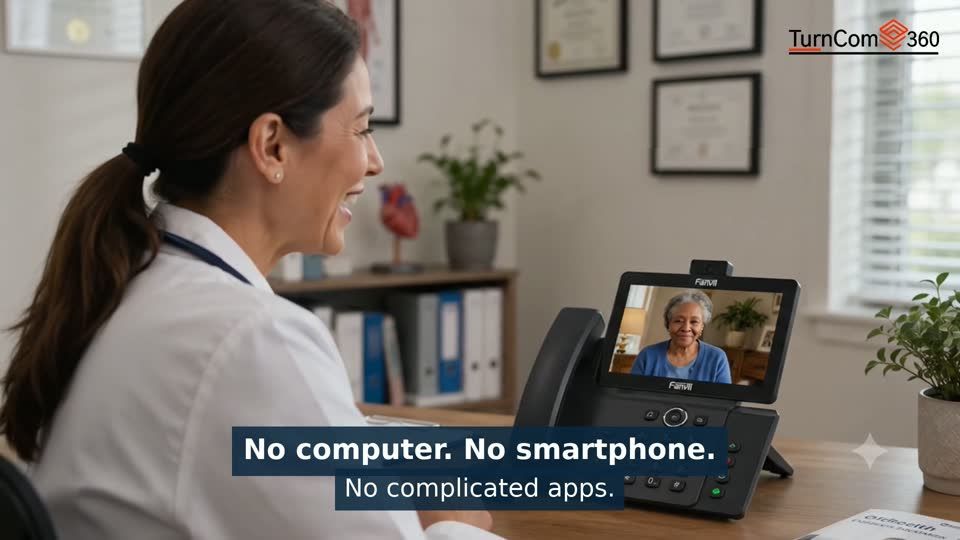
A clearly labeled patient button needs a clearly planned destination. We work through the provider’s receiving endpoint, answering process and test procedure so both sides understand how the call is handled.
For a face-to-face setup, we confirm suitable video-capable equipment and connectivity at the patient and provider locations. The final configuration is agreed with the participating care team.
Agree which participating doctor’s office or care team the programmed button should reach.
Review power, network access, placement and whether a caregiver will help with the phone.
Complete a planned test with the receiving team and confirm audio and any configured video.
Show the patient how to start and end the call, explain the answering arrangements and provide the agreed support contact.
We can discuss a single connection or a coordinated program. Start with the number of patient locations, the participating provider and how the team intends to answer calls.
Bring the intended provider contact, the patient or facility location, available connectivity, the number of phones and whether you need a video conversation.
Tell us what you need. We’ll help you choose the next step.
Practical AI. Reliable technology. Business phones, managed IT and websites from one technology partner.


Local Office: (919) 390-2099
Toll free: (888) 596-2060
Email: contact@turncom360.com
100 South Garnett St Henderson, NC 27536
Built By Turncom360 Copyright © 2007-2026